
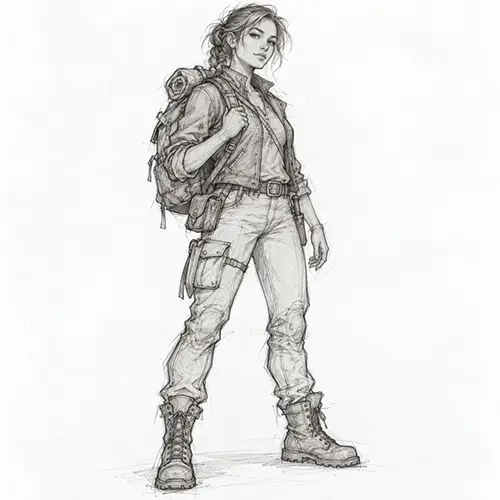
Original Sketch
Generated Image
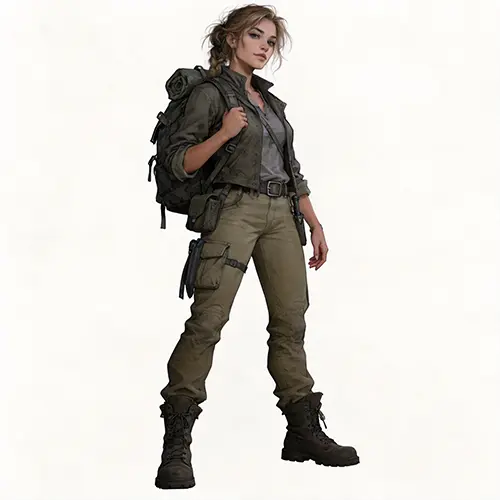
Character DesignA female explorer with a hiking backpack, pose and outline preserved, realistic finish.
Upload a sketch, choose how you want it to look, and let AI add color, lighting, texture and detail while keeping your composition as the guide.
Upload a rough sketch, line drawing, doodle or concept drawing.
JPG, PNG, WebP
Phone photos and scanned drawings supported. Clear, high-contrast sketches usually give the best results.
Optional — leave blank and AI will finish your sketch automatically.
Real sketch to image results: see how simple sketches become polished visuals while keeping the original idea and composition as the foundation.
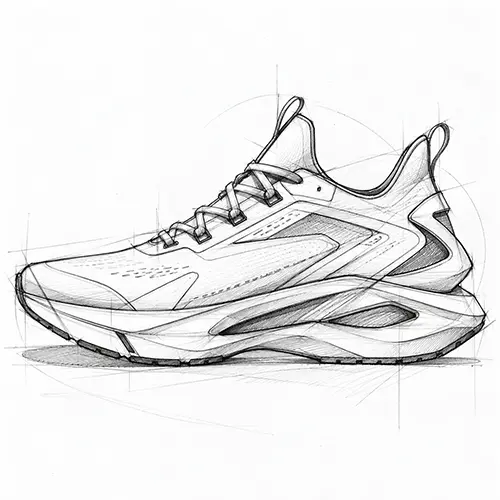
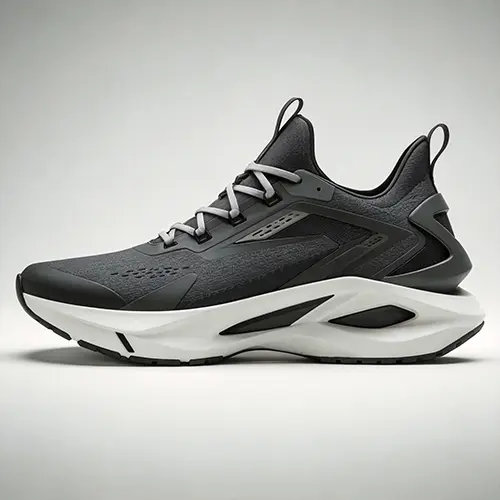
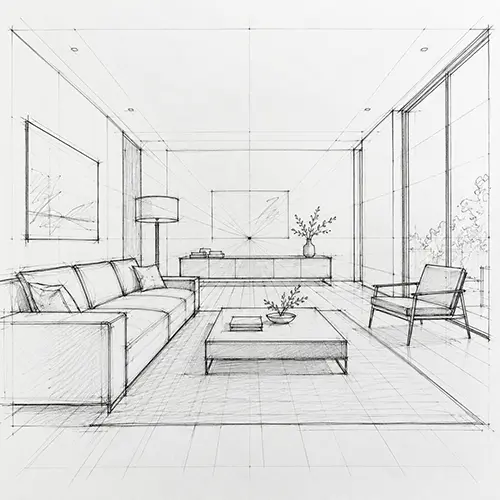
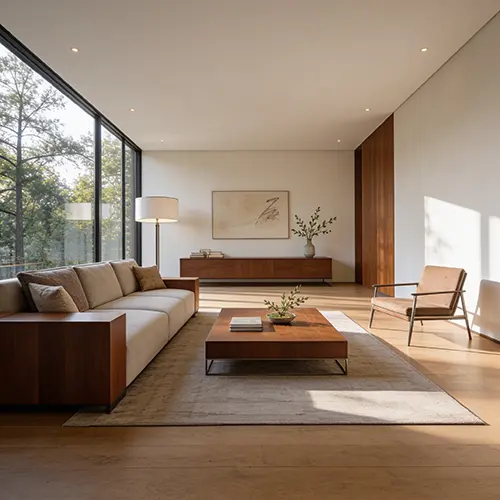
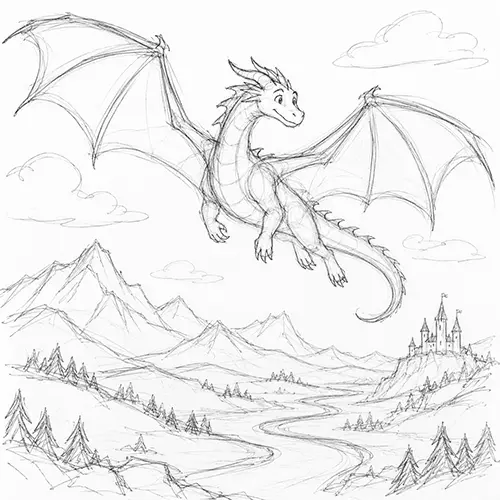
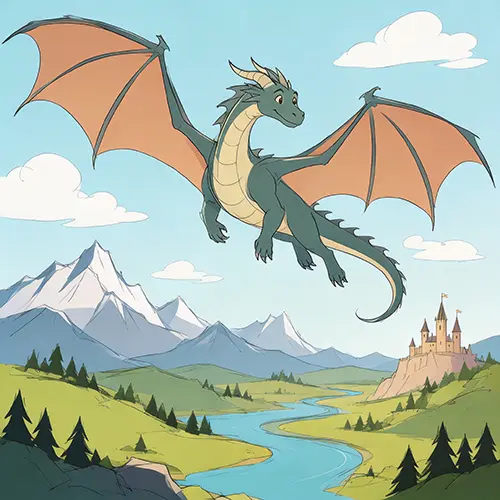
Text prompts are good at describing what an image should contain, but they are less reliable at deciding where everything should go. With Sketch to Image AI, your drawing becomes the visual blueprint: AI adds the finish while your sketch guides the layout, pose, perspective and subject placement.
Your sketch decides where everything goes. AI works on top of your drawing instead of rearranging it, so the structure you planned stays in place.
Character poses and body positions are treated as part of the design. Sketch to Image AI is built to preserve the gesture you drew.
Camera angle, depth and spatial relationships come from your sketch, so rooms, products and scenes keep the viewpoint you chose.
You already made the creative decisions. That is what sketch to image is for: let AI handle color, material, lighting, texture and detail instead of replacing your original concept.
The sketch is the blueprint. AI does the finishing work — color, lighting, material and detail — on the structure you already drew.
Instead of describing everything in a prompt and hoping for the right composition, you show the composition directly and let AI complete it.
Keep the same sketch and explore different styles, or adjust the description — your original drawing stays the foundation of every sketch to image result.
The sketch to image workflow takes three steps from a rough drawing to a finished image. No prompt engineering experience required.
Upload a rough drawing, line sketch, doodle or concept image. Phone photos and scans both work.
Pick a style, optionally describe your result, and choose how closely AI should follow your sketch.
AI finishes the image with color, texture, lighting and detail while using your sketch as the composition guide.
From character art to architecture concepts, see what the Sketch to Image AI generator can create: if you can sketch it, AI can finish it.
Turn rough character poses and concepts into polished illustrations without starting from a blank prompt.
Visualize product ideas, materials and finishes before spending time on a full render.
Use sketches as visual direction for architectural and interior concept images.
Share a room layout sketch and get back a furnished, naturally lit space that keeps your layout.
Take a rough composition and explore finished visual styles quickly.
Turn simple line drawings into realistic images with natural materials, lighting and depth.
A few habits that help the sketch to image AI understand your drawing and finish it the way you intend.
Best results come from clear sketches with visible shapes and lines.
Make sure the main subject and key objects read clearly at a glance.
In the description, mention materials, colors or lighting that matter to you.
When layout is more important than creativity, choose High Fidelity to keep the structure close to your sketch.
Common questions about turning sketches into images with AI.
Upload your sketch, choose a visual direction, and let Sketch to Image AI handle the finish.